Story film styles
Three considered looks bring grain, color, and tone together across the entire roll.
 TimeRoll
A camera with the patience of film
Name a stretch of time, choose a roll, and fill it slowly. There is no after-capture preview, so every press of the shutter carries more weight.
The ritual
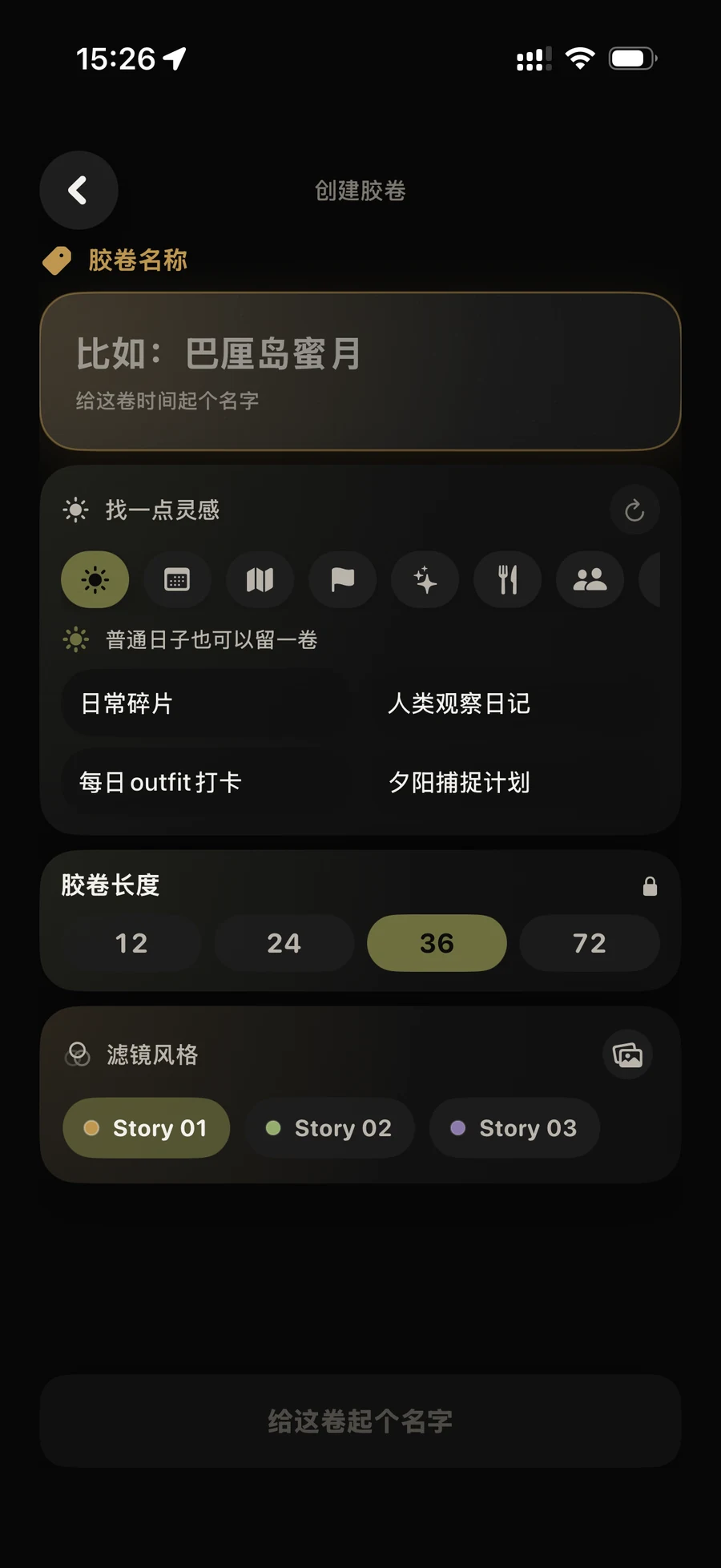
Choose a fixed capacity, give the roll a name, and set its Story film style.
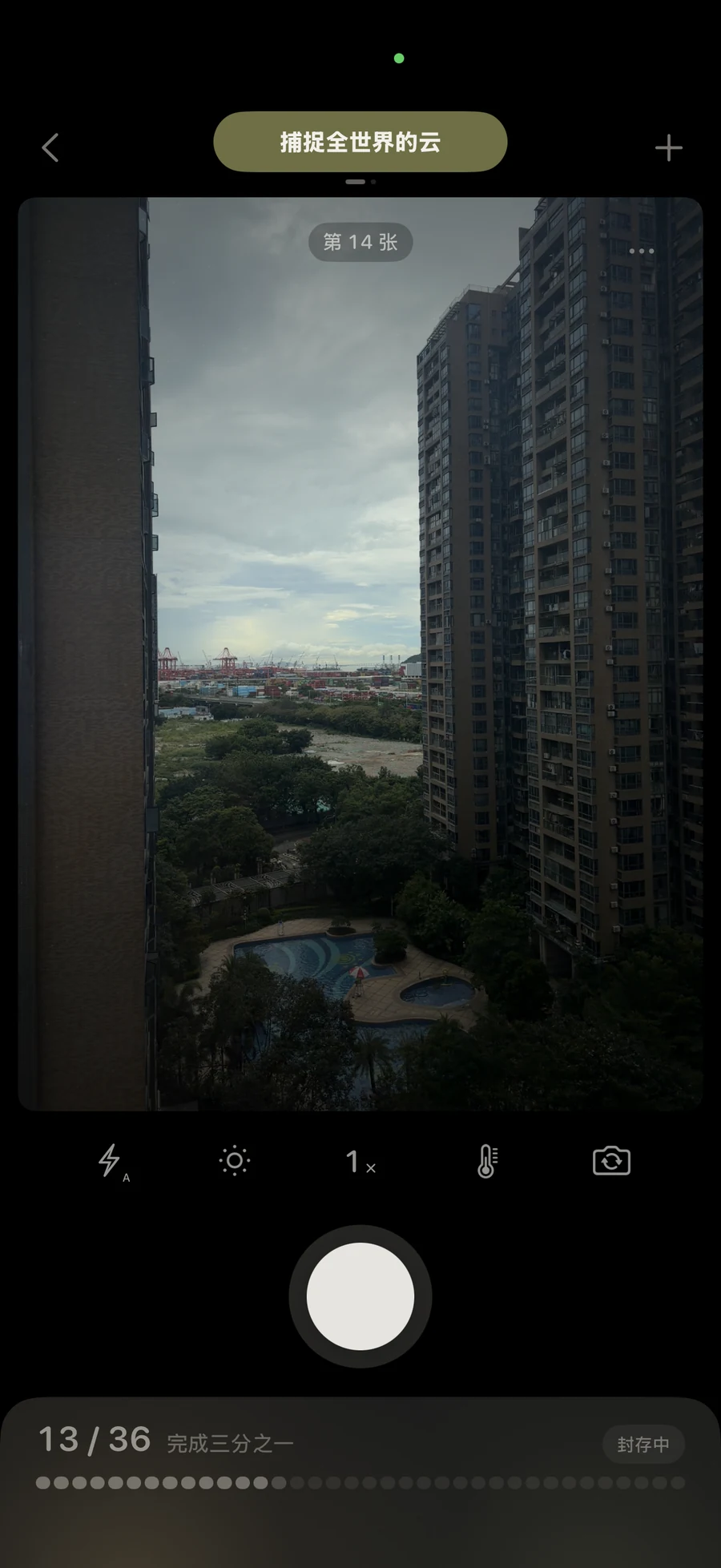
After the shutter, you see the progress — not the photo you just made.
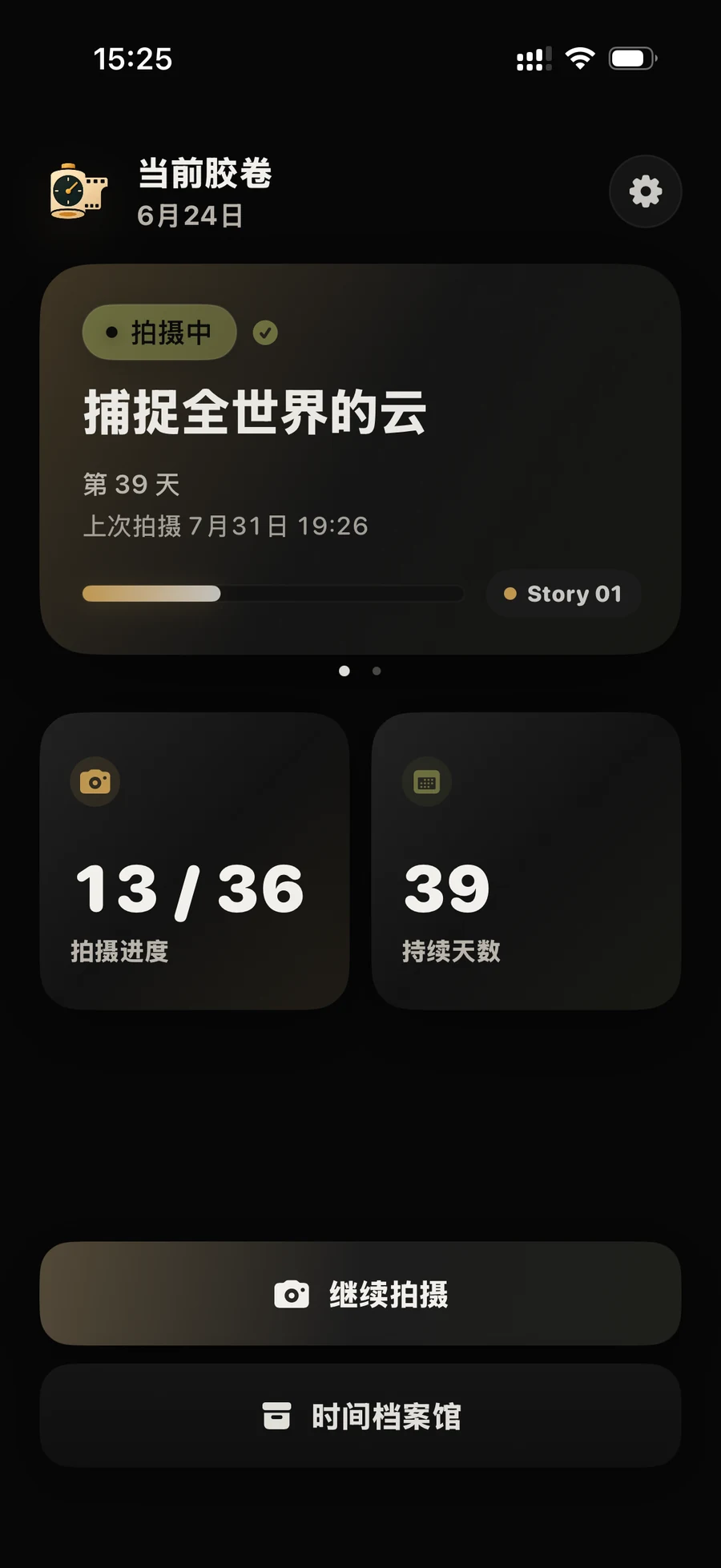
After the final frame, begin developing the roll and let the whole story return at once.
When the roll is full
After the final frame, you can begin developing the roll. Once opened, it brings back more than a set of photos — it brings back the shape of that time.
Not seeing makes the return feel different.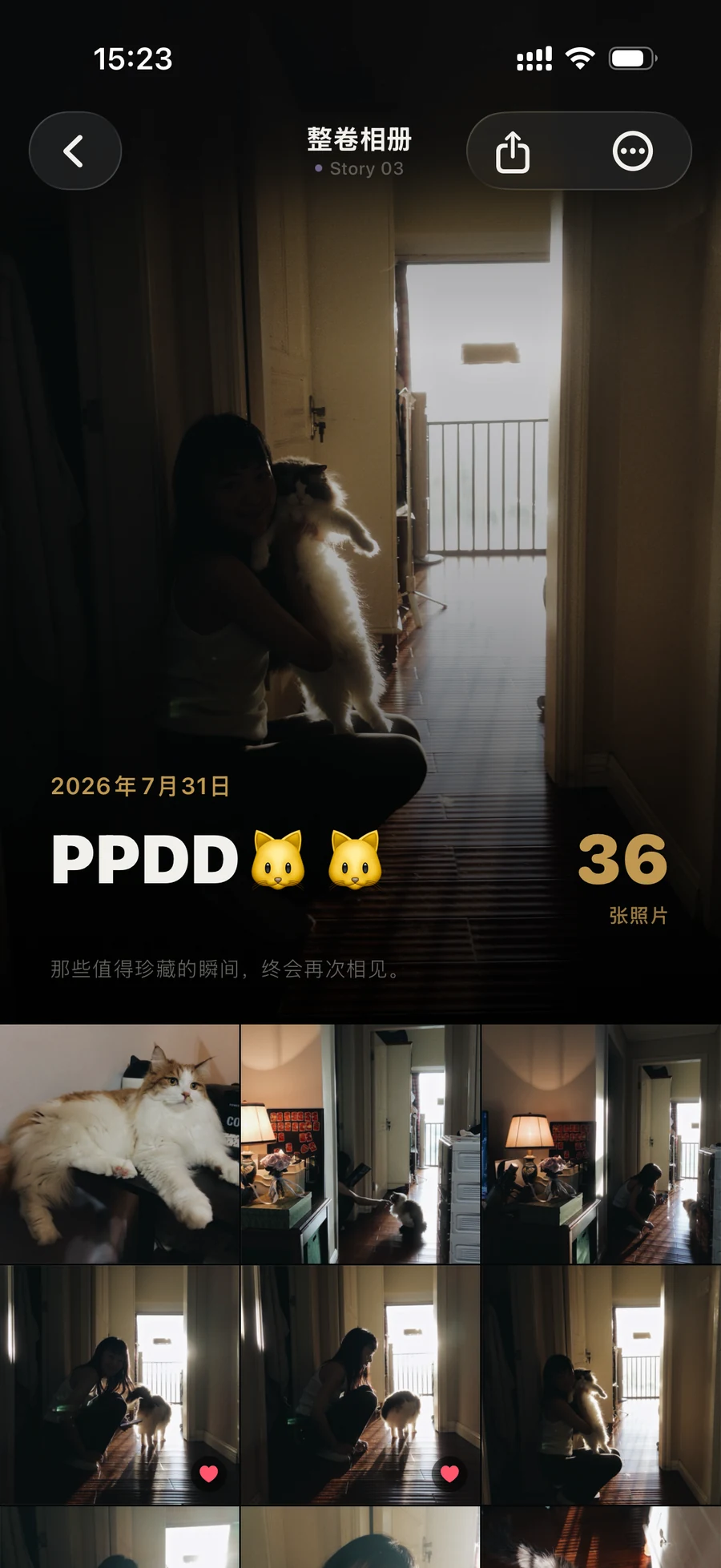
The image
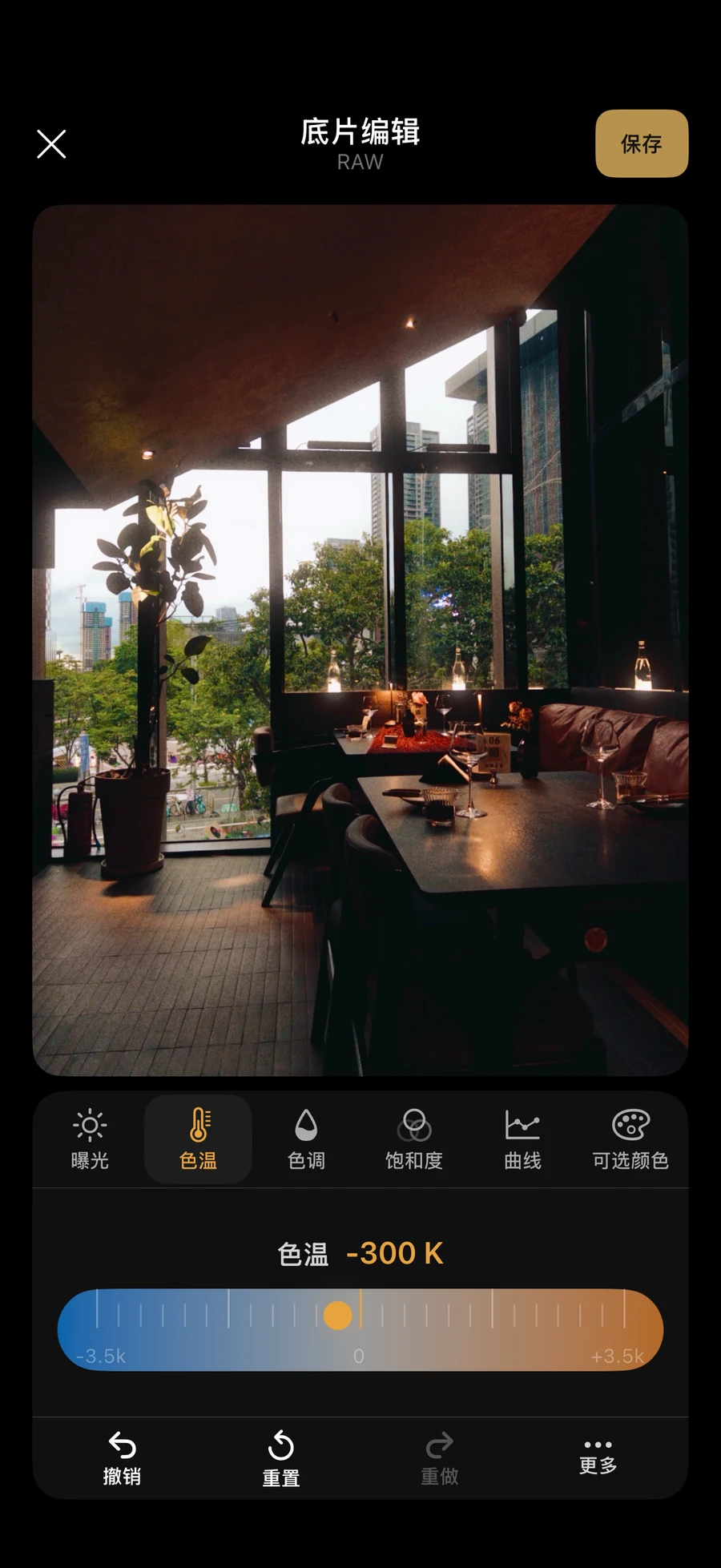
Each roll begins with a coherent visual character. After opening, RAW captures can be refined again from their digital negatives.
Three considered looks bring grain, color, and tone together across the entire roll.
Refine exposure, temperature, curves, and individual colors, then save the version that feels true to the memory.
Time Archive
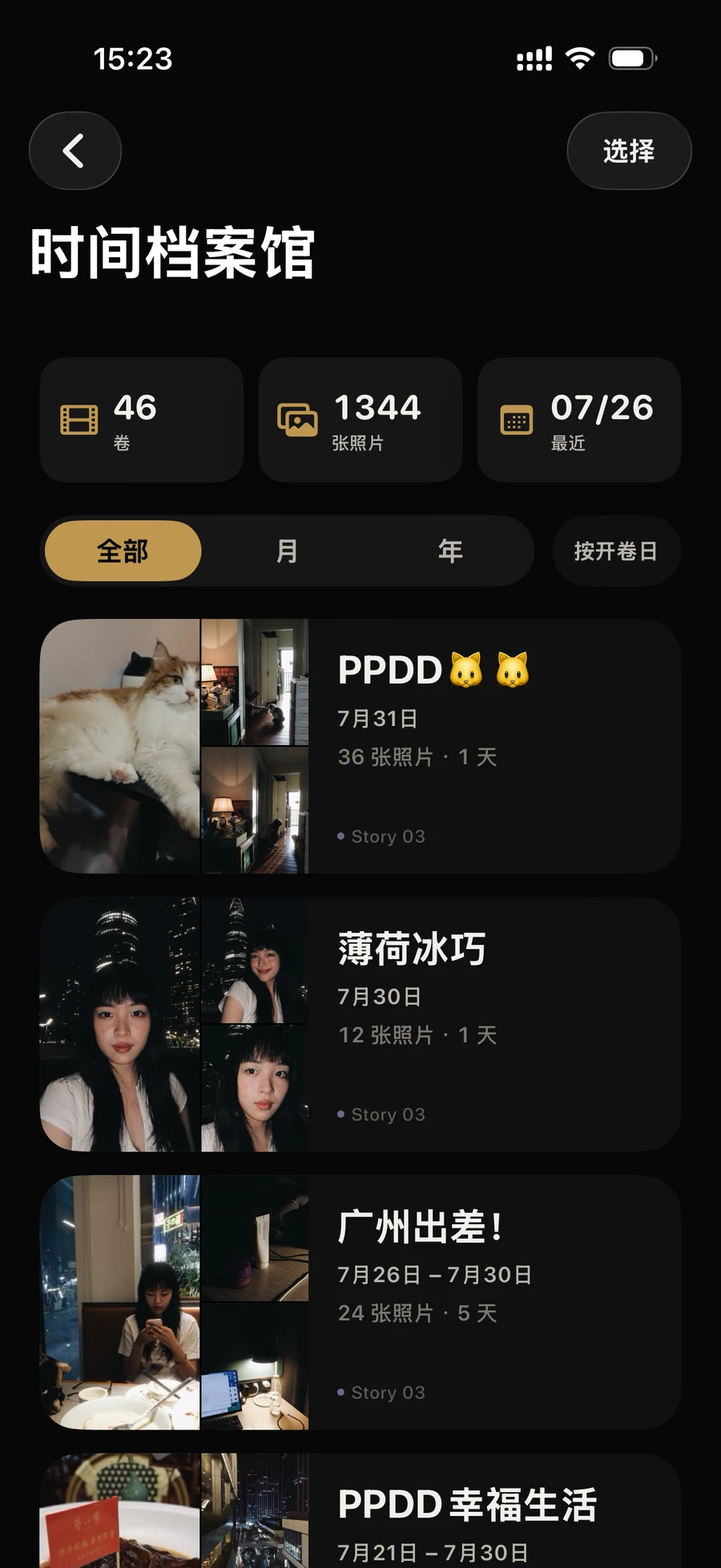
Every opened roll keeps its own name, dates, and story. Return by month, year, or opening date to a complete chapter instead of isolated shots.
Sharing
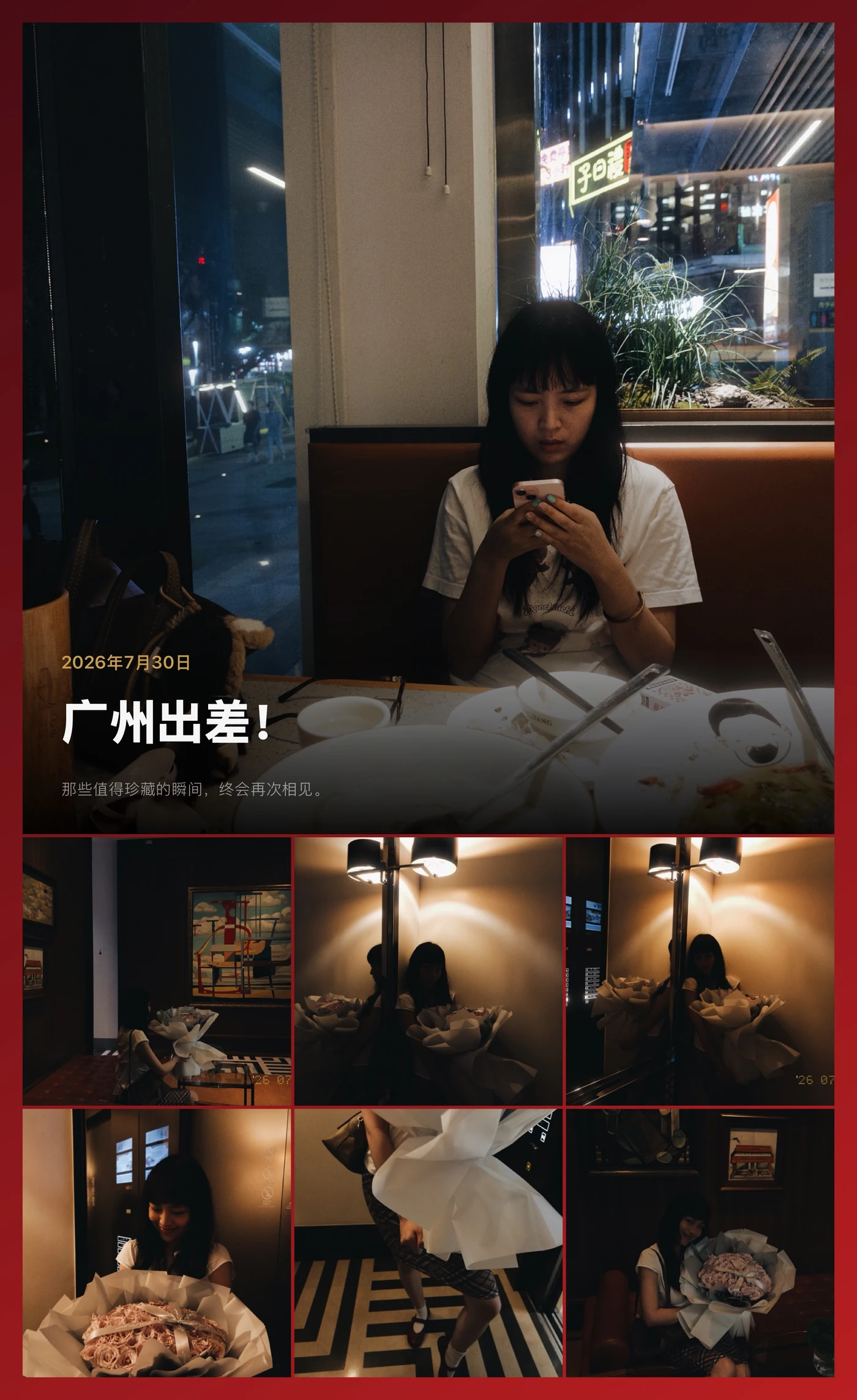
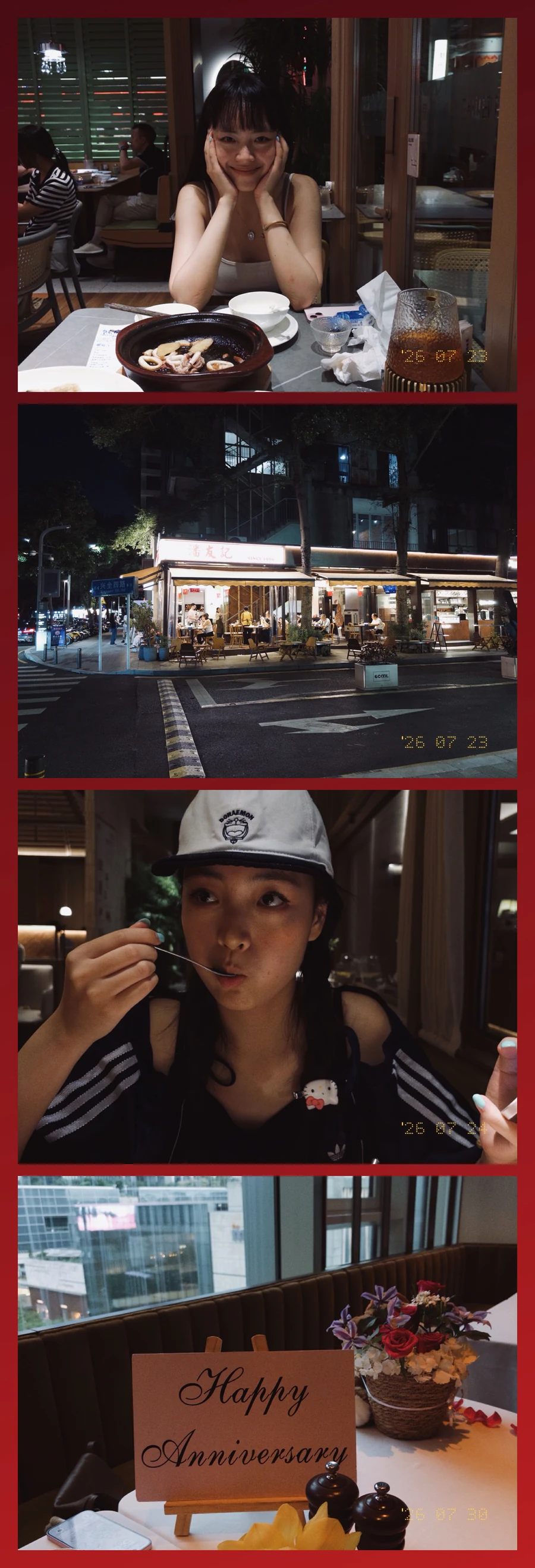
Compose a photo or an entire roll into a share-ready image: Photo + Paper, Custom Collage, Full Roll, or a Four-Frame Film Strip.
On-device privacy
Your roll photos, names, and notes are designed to remain on your device. Photos leave TimeRoll only when you choose to save or share them.
Read the privacy policyTimeRoll for iPhone
A slower camera for the moments you want to keep.
Visit TimeRoll Support